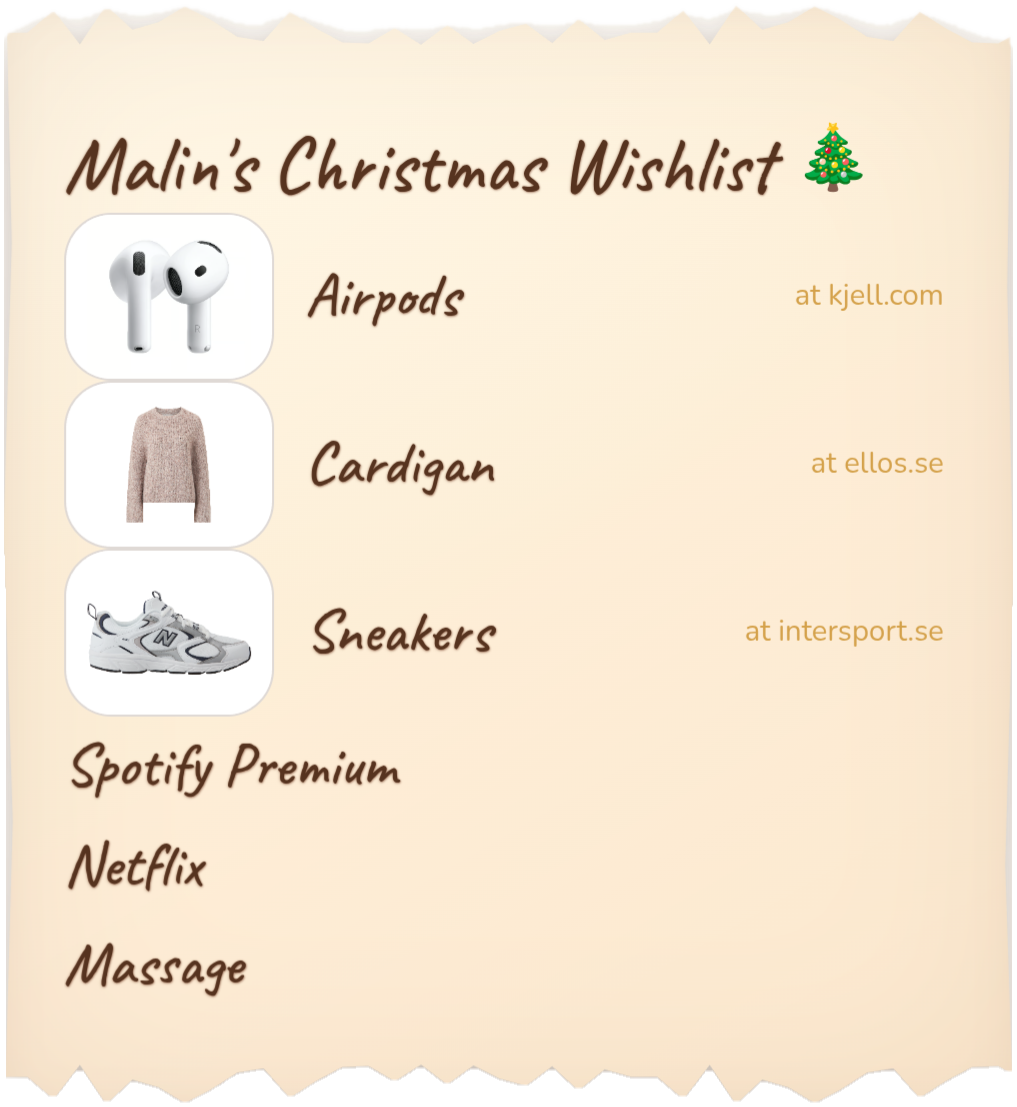
Whether it's for a birthday, Christmas, wedding, or any other occasion, write down what you wish for, save your wishlist and share it with family and friends.
No account. No registration. Free.
Wishlist4 is also an app. Open your lists with one tap, right from your home screen.
Three simple steps: Write the list. Save links. Share the list.
Add what you want. Paste links, free text or both.
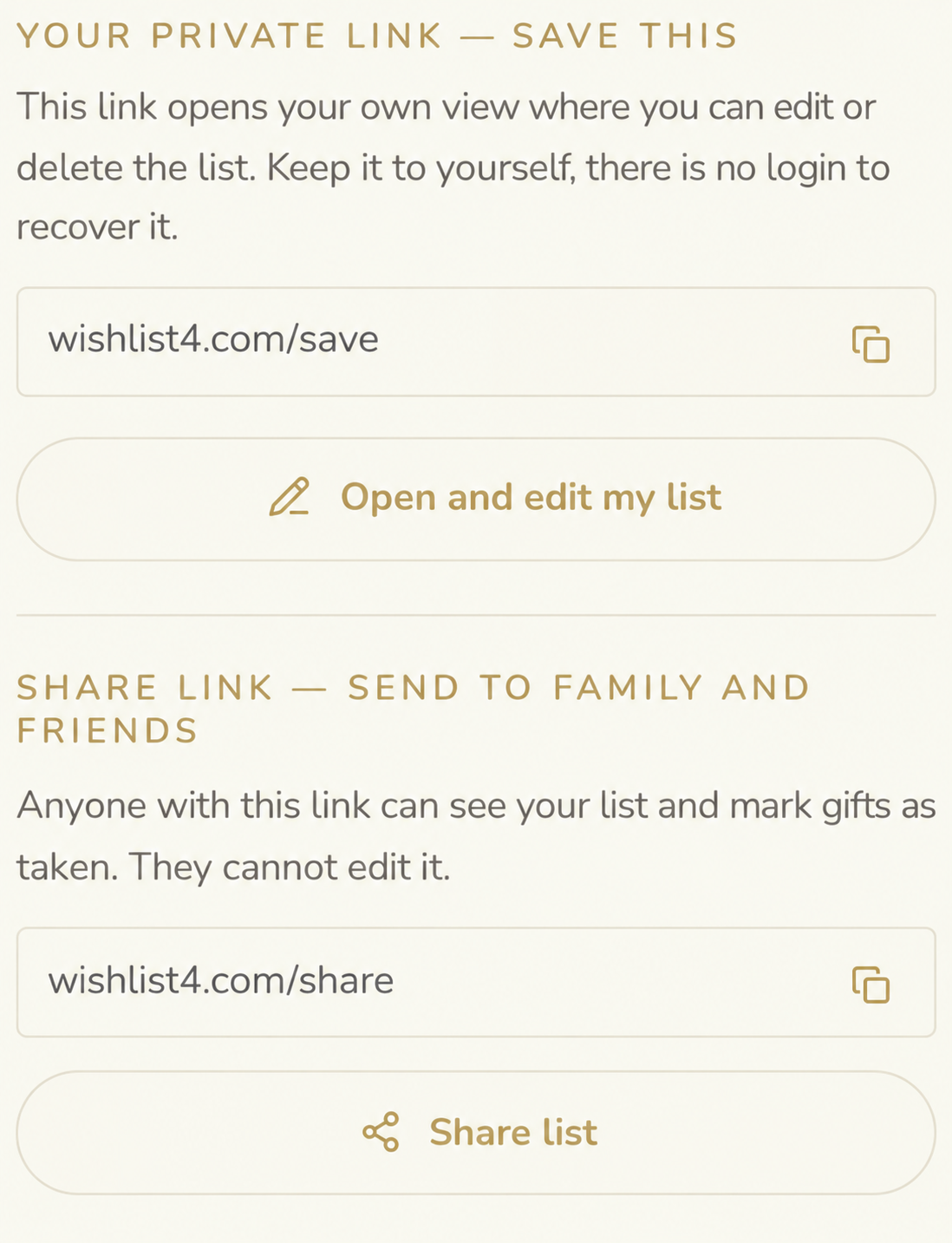
You get two unique links: one for your editable wishlist and one to share with friends and family.
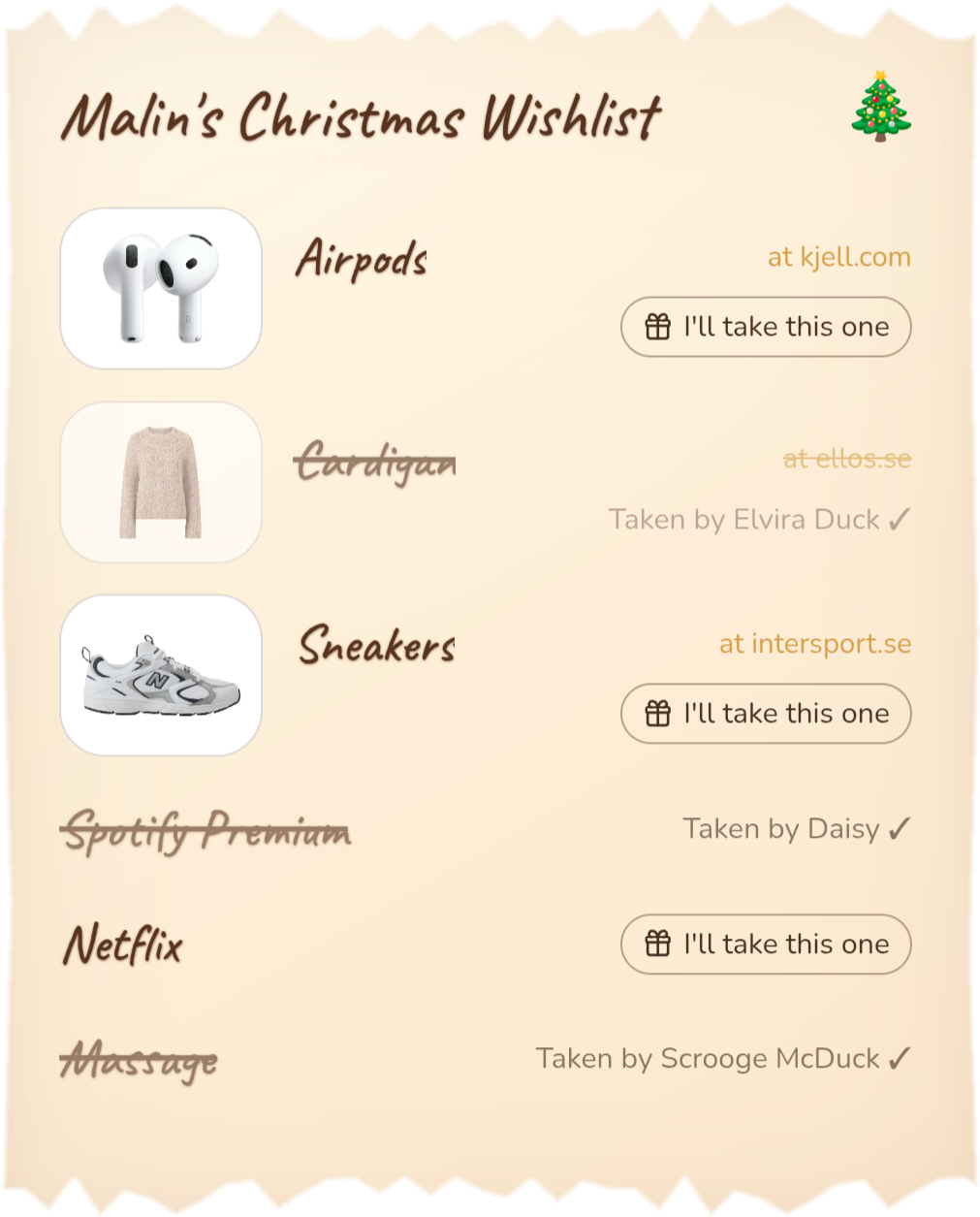
Send your share link to family and friends. They can easily view the wishlist and reserve wishes directly.
Collect wishes for birthdays, Christmas, christenings, graduations, weddings or anything else you want to celebrate.
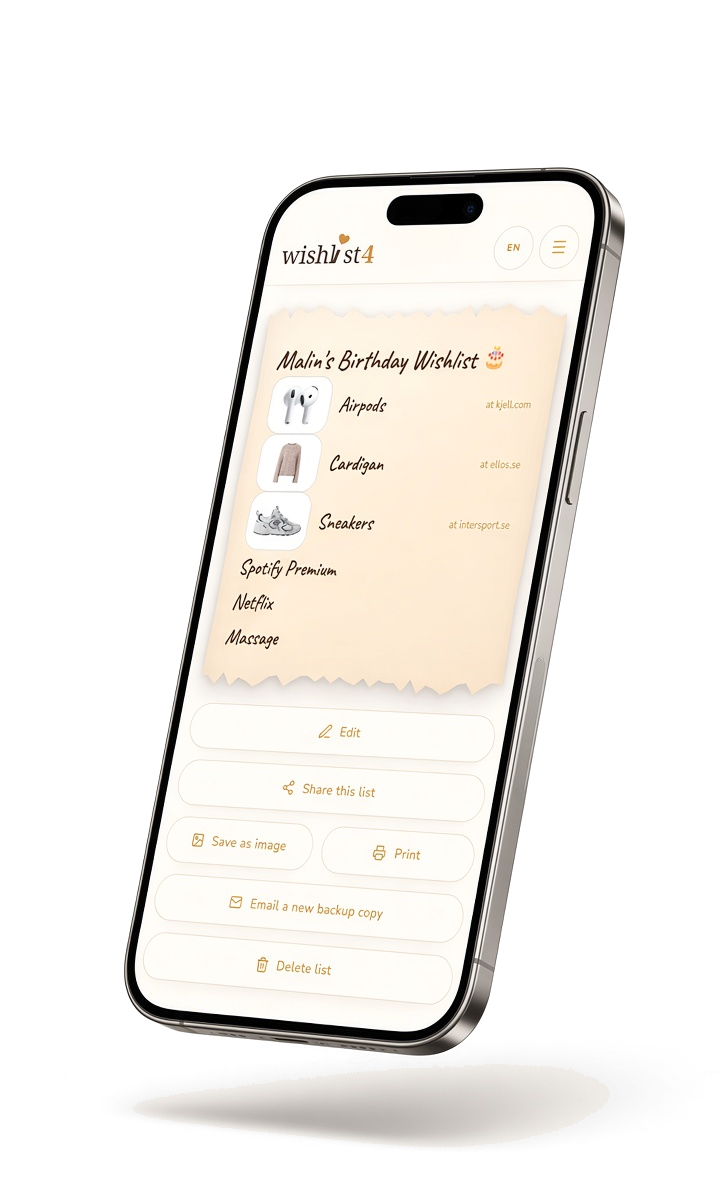
Your wishlist is saved for 3 months. If someone opens the link to the list, the storage time is automatically extended by another 3 months. So if nobody opens the link for 3 months it is deleted automatically, but if a friend or family member opens it, it is kept for 3 new months.
Yes. Writing, sharing and opening a wishlist is completely free, with no trial, no subscription and no hidden fees. The site is funded by anonymous statistics and a few gift tips.
No. There is no account, no password and no registration. You open the page, write your wishlist and share the link, that is the whole flow.
Your list is saved in our database so the share link works everywhere and stays up to date. It is not linked to any account or personal data: only people who have your link can open it, and lists left untouched for a long time are deleted automatically.
Nothing is lost. The list lives in the database and opens with your link, so just keep the link — for example by emailing yourself a backup and you can reopen and edit the same list on any device.
Any occasion: birthday, Christmas, wedding, christening, baby shower, graduation, housewarming, Mother's or Father's Day, or no occasion at all.
No. We do not sell personal data and we do not send marketing email. An email address is only used once, to deliver the backup link you asked for.
Yes. Paste a link from any store and give it a name, and it shows up at the top of your list. A product image is added automatically whenever an image can be fetched from the link.
Yes, and the list updates so all recipients can see which gift is already reserved.
Yes. Wishlist4 is available on Google Play for Android, and on iPhone you can add it to your home screen from Safari. No app is ever required though: you and your guests can do everything straight in the browser, without downloads or accounts.
Yes. In every view you can print your wishlist, with torn paper edges and your chosen handwriting. Pick ink-saving white or parchment colour, and add a QR code so guests can scan the paper and reserve gifts online.
Write down what you are wishing for, keep everything in one place and share the list with your family. No account, no sign-up.